3. Accession & Payer Edits Section
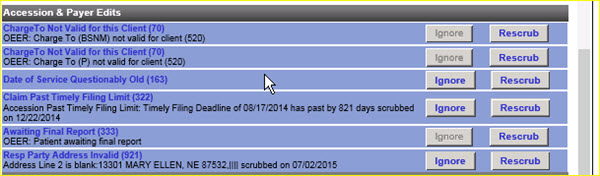
This section provides access to the accession and associated data that has failed one or more scrubs. Based on the scrub failure, work in the area and on specific details as necessary to correct the problem.
|
Click the Ignore button to perform an override, to let this accession bill without making a correction to the accession for this particular scrub. Fusion does not look again to check that this edit was corrected prior to pricing and billing.
After working the data to make any necessary corrections for a scrub, click the Rescrub button. Fusion rescrubs the accession and lets it bill if it has been completely corrected. If no correction is made or the correction is incomplete, the accession will appear on the worklist again.
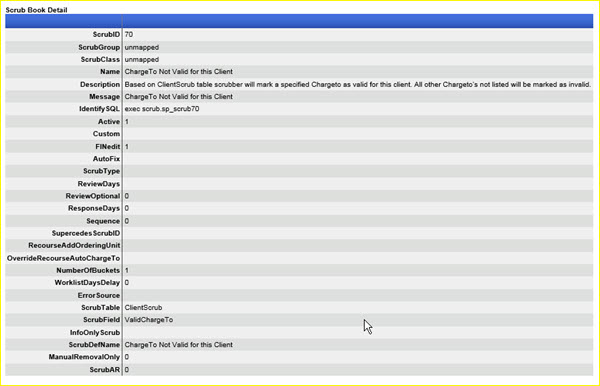
Click on the scrub name (scrub ID number) to get a definition of the scrub. For example scrub 70:
|